Light in, numbers out
A photo looks like a smooth picture, but inside a digital camera it starts as a grid of numbers. The lens makes a small, upside-down image of the world on a flat chip, the image sensor. The sensor is divided into millions of tiny squares, the pixels, and while the shutter is open each one counts the light that lands on it. Bright parts of the scene give big counts, dark parts give small ones. The camera then turns the grid of counts into the picture you see.
Three settings decide how much light each pixel gets and what the camera does with it. Each one also changes the photo in a second way, and that side effect is what makes them interesting.
The aperture: how wide the door is
Inside the lens is the iris, a ring of thin metal blades that can close down to a smaller opening, the aperture. Its size is given as an f-number: the lens’s focal length divided by the width of the opening. On a 50 mm lens, f/4 means an opening 12.5 mm across and f/16 means about 3 mm. A bigger f-number is a smaller hole.
The light let in depends on the area of the opening, so it goes as one over the f-number squared. The familiar series f/1.4, f/2, f/2.8, f/4, f/5.6, f/8, f/11, f/16 steps by about 1.4 each time, which halves the area, and photographers call each halving one stop.
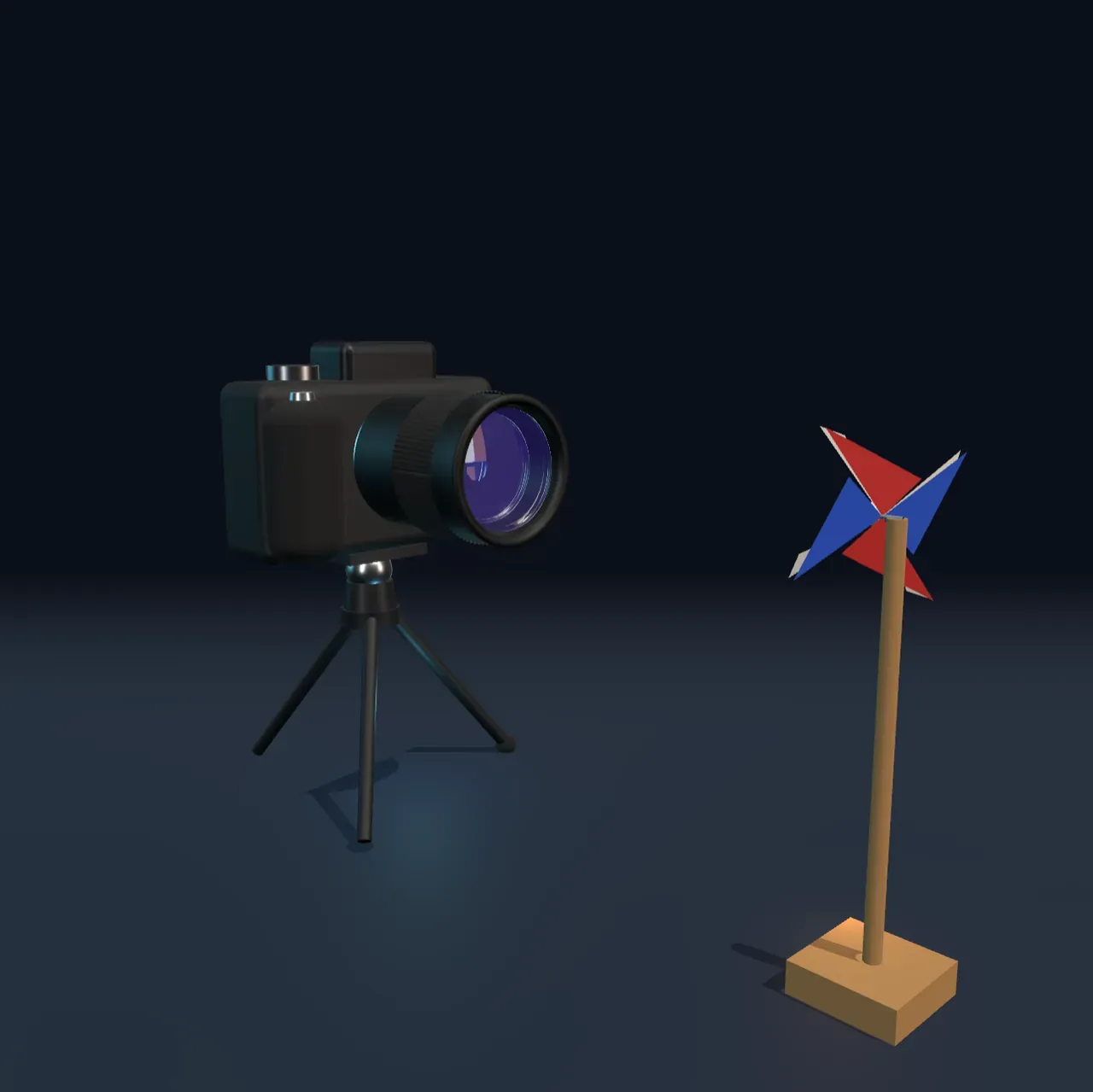
The aperture also sets how much of the scene looks sharp. The lens focuses on one distance, here the pinwheel. Light from a point at another distance does not meet at a point on the sensor; it arrives as a small disc, and the width of that disc grows with the width of the opening. Wide open, the far garden melts into soft blur and the fairy lights swell into round discs. Closed down, the cone of light is so thin that near and far both look sharp. That range of acceptable sharpness is the depth of field.
Try it: slide Aperture (f-number) to f/1.4 and then to f/16. Watch the fairy lights behind the pinwheel grow into discs and shrink back to points, and the photo darken by about seven stops.
The shutter: how long the door stays open
The shutter decides how long the sensor collects light. In many cameras it is a pair of curtains just in front of the sensor: one opens, the other follows and closes. At very short times the second curtain chases the first so closely that only a narrow slit sweeps across the sensor. Doubling the time doubles the light, one stop.
Anything that moves while the shutter is open is smeared along its path. The pinwheel here turns twice a second, so at 1/4000 s its blades move a fraction of a degree and look frozen; at 1/15 s they sweep 48° and blur into a disc of colour. A slow shutter is not wrong: it is how photographers show flowing water or the streaks of car lights at night.
Counting photons
Light arrives in tiny packets of energy called photons. Each pixel is a light-sensitive patch of silicon, a photodiode. When a photon strikes it, it can knock an electron free, and the pixel stores the freed electrons in a small reservoir, its well, until the exposure ends. Then the camera measures each well and converts it to a number.
Here is the catch. Photons do not arrive in a steady stream but at random, like raindrops on paving stones. If a pixel expects 100 photons, it might get 90 or 110; the typical spread is about the square root of the count. That randomness is called shot noise. With 10,000 photons the spread is only 1 per cent, invisible; with 100 photons it is 10 per cent, and neighbouring pixels that should match visibly do not. That is the grain in a photo taken in dim light.
A well can also overflow. Once it holds its maximum, more light changes nothing, so the brightest parts of an overexposed photo all come out as the same plain white. Detail lost there cannot be recovered.
ISO: turning up the volume
The ISO setting does not let in any more light. It sets how strongly each pixel’s count is amplified before it becomes a brightness, so ISO 6400 makes the same count 64 times brighter than ISO 100. In dim light that rescues a photo that would be too dark. It cannot add photons, though, so the grain that comes from counting too few of them stays.
Try it: set Shutter speed (s) to 1/4000 and ISO to 1600. The photo is about as bright as the starting one, but each pixel now counts only about 250 photons and the grain shows. Back at 1/250 and ISO 100, the same brightness comes from sixteen times as many photons, and the grain is gone.
So a good exposure in dim light is not just a matter of brightness. Photographers open the aperture and slow the shutter as far as the subject allows, to collect as many photons as possible, and use a high ISO only for what is left.
Colour from a sensor that sees in grey
A photodiode counts photons but cannot tell their colour. To make a colour photo, each pixel sits under a tiny filter that lets through only red, only green or only blue light. The usual layout repeats a square of four: one red, two green and one blue. It is called a Bayer filter, after Bryce Bayer, who devised it at Kodak in the 1970s, and it has two greens because our eyes are most sensitive to green and judge sharpness mostly from it. Every pixel therefore records just one colour, and the camera estimates the other two from its neighbours, a step called demosaicing.
Above each filter sits a microlens, a tiny dome that funnels light into the pixel so less of it is wasted on the gaps and wiring between photodiodes.
Try it: choose Pixels under Cut to the pixels. A patch of 36 pixels from the red sail rises out of the sensor. Red photons pass the red filters and fill those wells; on the green and blue pixels most of them are stopped by the filter, so those wells stay nearly empty.
What this model leaves out
The camera’s lens is drawn as a few glass elements, but its rays are traced as if it were one thin lens; real lenses use many elements to keep the image sharp and free of colour fringes. The Scene shows a pinwheel much closer than the 1 m the photo is worked out for, and the blur of the garden is calculated for a single distance of 10 m rather than for every leaf.
The pixel counts are photoelectrons: a real photodiode turns somewhere around half or more of the photons that reach it into electrons, and the model folds that into one number. A grey patch is taken to give about 4,000 electrons per pixel at the correct exposure and a full well to hold 40,000, which are typical of a modern full-frame sensor. The readout adds a little noise of its own, here 3 electrons; real cameras add more at some settings, apply a tone curve rather than clipping straight to white, and often reduce noise in processing. Colour noise in the photo is drawn per colour channel instead of being made by demosaicing a real Bayer grid. The pinwheel is assumed to spin at a perfectly steady rate, and the camera is held perfectly still on its tripod, so there is no camera shake.